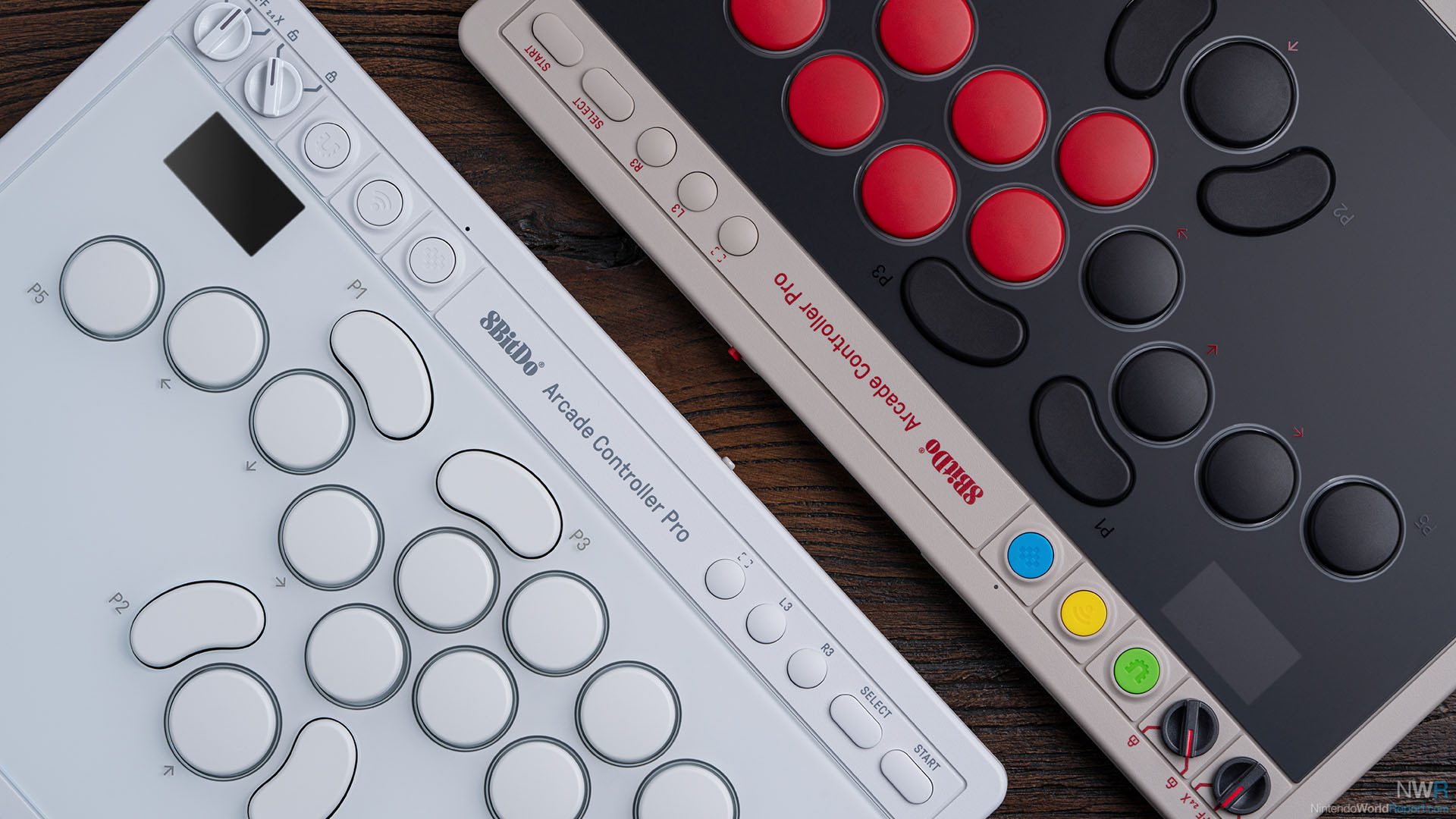
Leverless, Pretty Weightless and Perhaps a Little Extra
Last year I got a little bit more into Street Fighter. In part because one of my good friends, who has been active in the fighting game community for over a decade, loaned me a leverless controller. Somehow in my mind I could never get my head around playing fighting games on a gamepad. Whether it is the combination of buttons or changing layouts between games, it simply wasn’t for me. Yet, this leverless hitbox controller felt pretty great to practice my Street Fighter game with. Blocking, charging and performing combos came a lot easier to me than I expected. So when 8BitDo had the follow up to their Arcade Controller, I was genuinely curious.
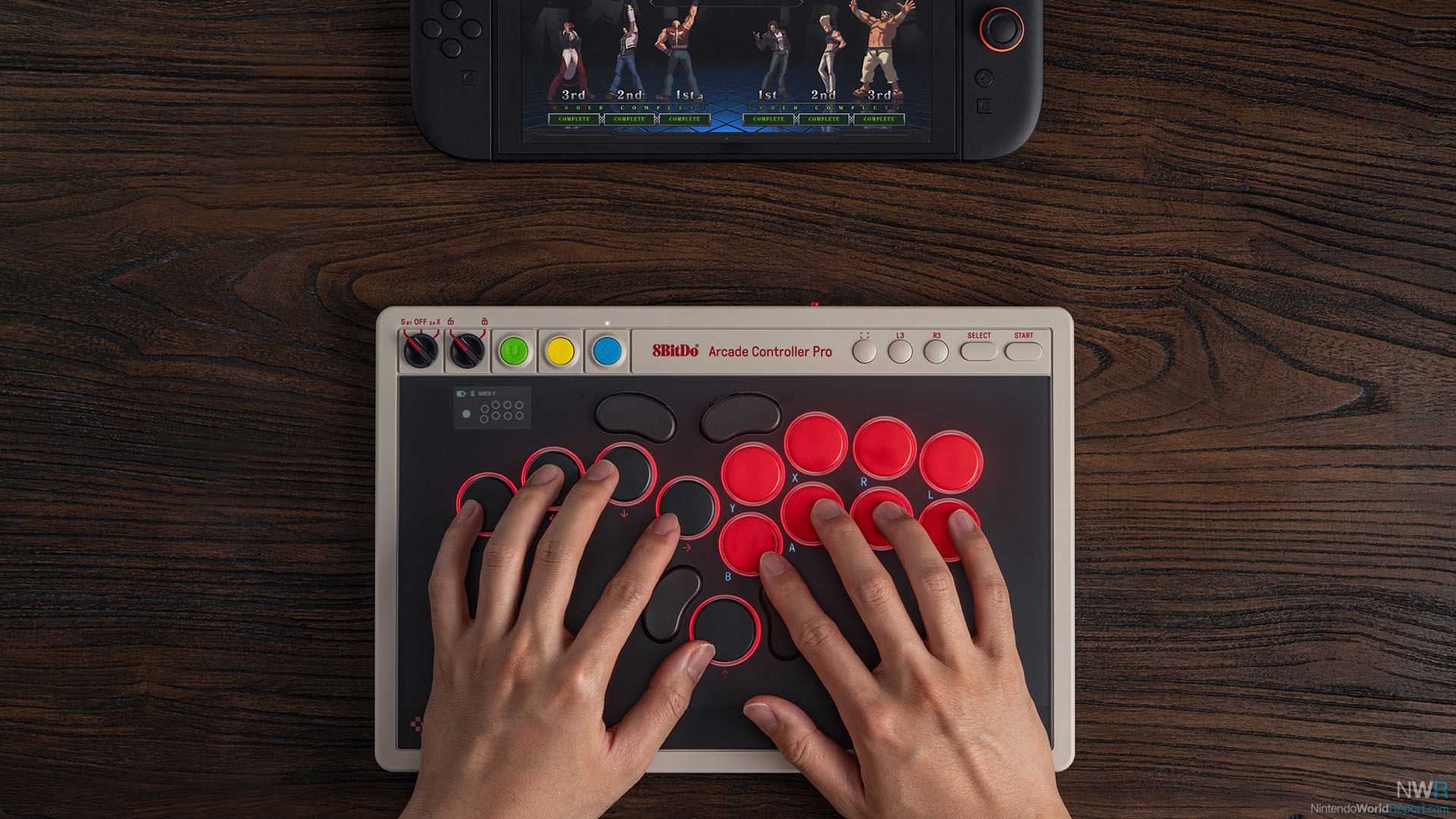
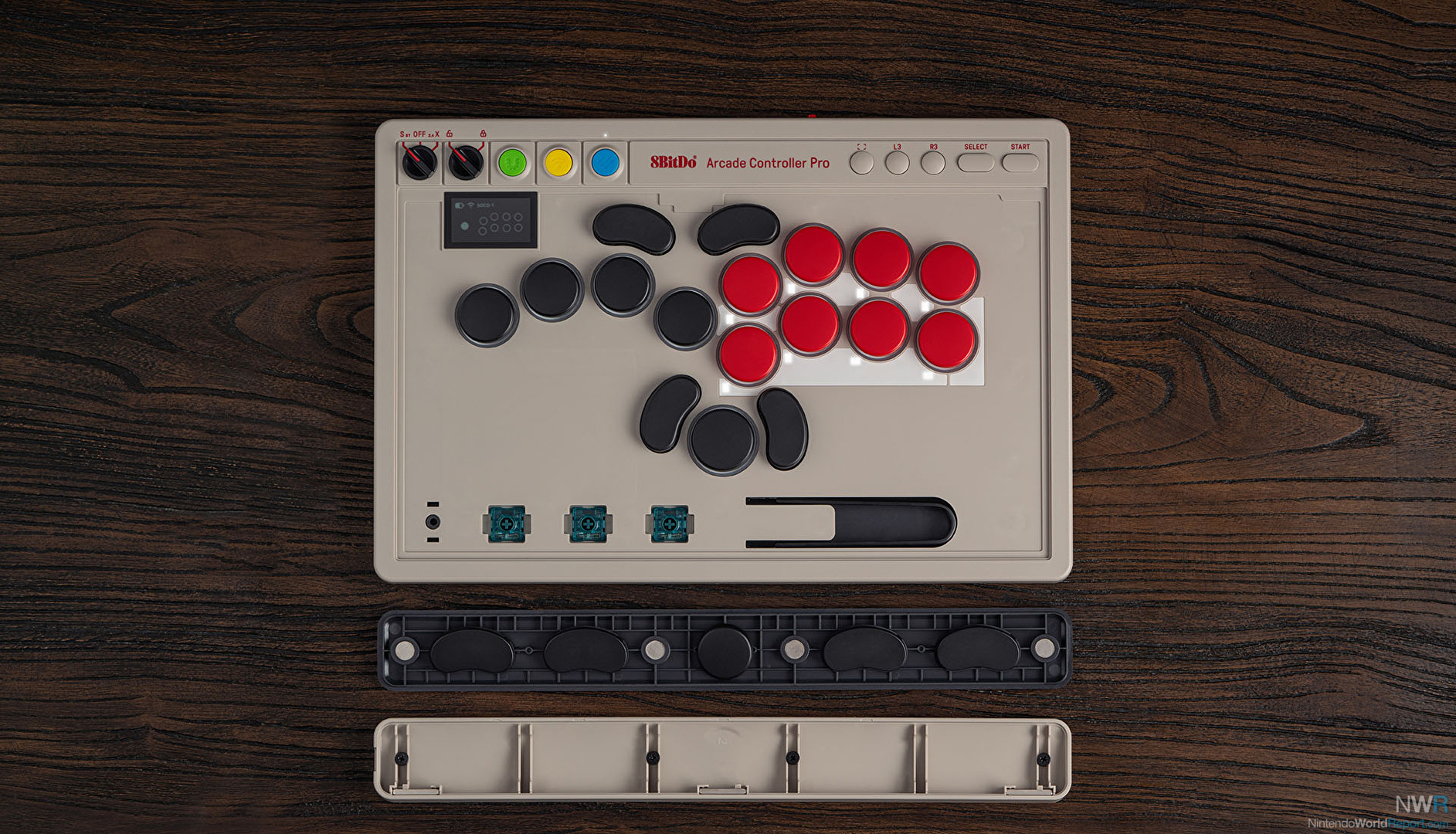
The difference here is in the details. While the layout at a glance looks similar to the 8BitDo Arcade Controller from last year, there have been a few tweaks, such as the movement of the P4 button next to the up-button and the addition of a capture-button on the upper bar. The real interesting changes are under the hood. Literally, in this case, as you can now swap out the glass plate covering the insides with the push of a button underneath the controller. Hiding out here are hot-swappable switches and replaceable lock caps. In case you want to disable certain buttons, putting these on top prevents you from accidentally pressing them. A little tweezer-like tool is provided too. This also applied for the new magnetic wrist rest, which attaches easily to the main controller and also has storage for different buttons. It’s a little bit extra, but that wrist rest does feel like a great addition for those who travel the tourney circuit.
Finally a little LED-display in the corner gives an indication of connectivity, battery life and real-time input monitoring. You also adjust the RGB lighting from a pre-selected set of colors, and change presets like SOCD, and do individual button remapping. In case you ever wanted to use this controller with a different layout for platformers, this is a fun tweak. The UI did seem a little bit cumbersome to me, but connecting the controller to a PC also provides access to the 8BitDo Ultimate software to create macros–though I have heard mixed opinions about the software tool as well. Still, if you are just focused on having it connected to your Switch, it should be great with the ubiquitous 8BitDo USB dongle for a consistent 2.4ghz wireless connection. Though cables work just as well and now come with a fast release so you can’t accidentally yank out the USB-C cable.
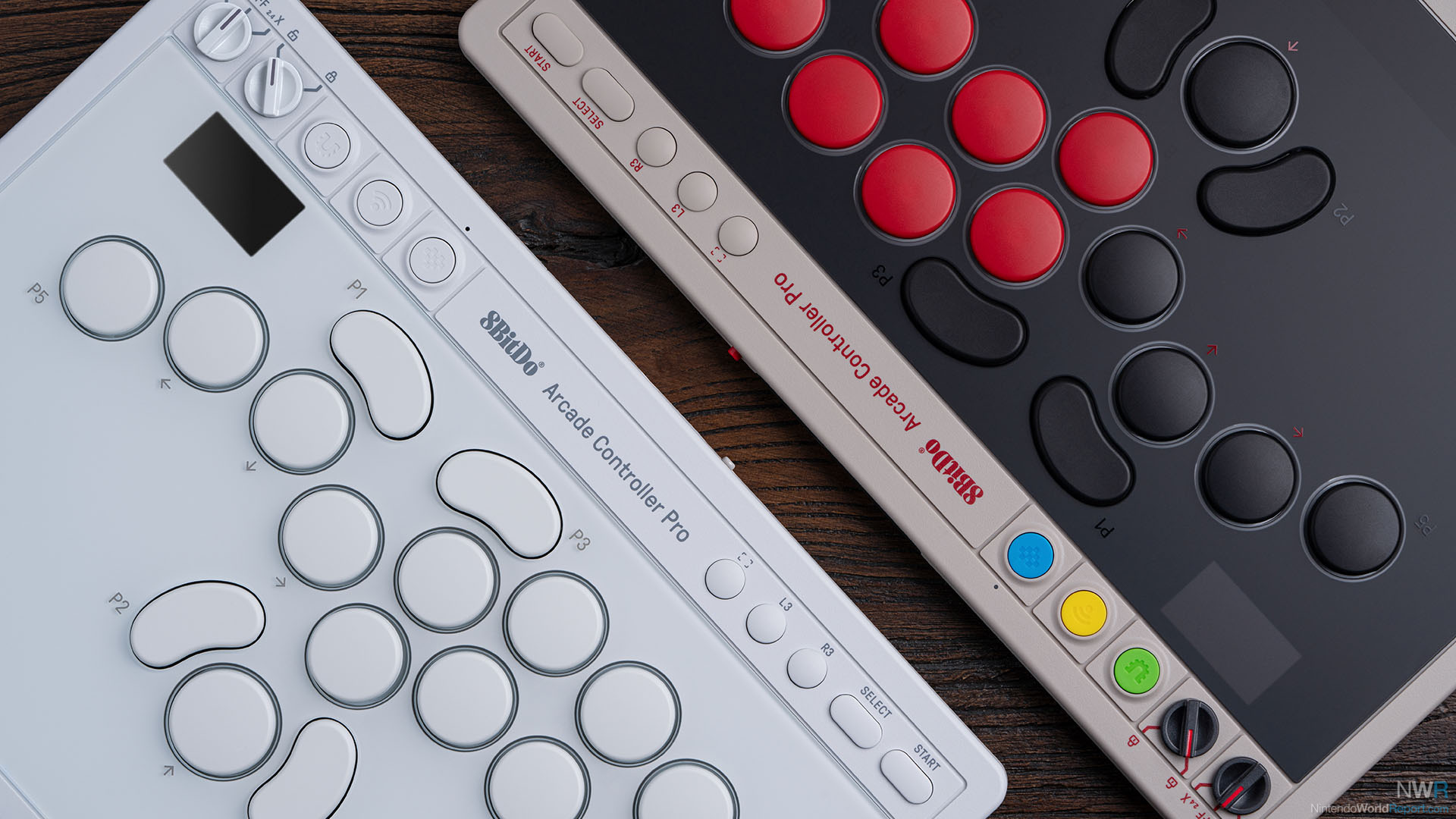
If you were already familiar with the 8BitDo Arcade Controller, I can’t say that the Arcade Controller Pro is reinventing the wheel here. That said, the tweaks and changes presented here are very promising. The lightweight design and ease of use that is expected from 8BitDo is still one of the reasons why I really liked using my Arcade Controller. For the pros you are trading in the weight of a hitbox for the flexibility of a leverless controller. But the Pro seems to be fixing some of the key complaints that held it back from reigning supreme. Time will tell how many fights it can last, but for a first impression this seems to be a killer combo.